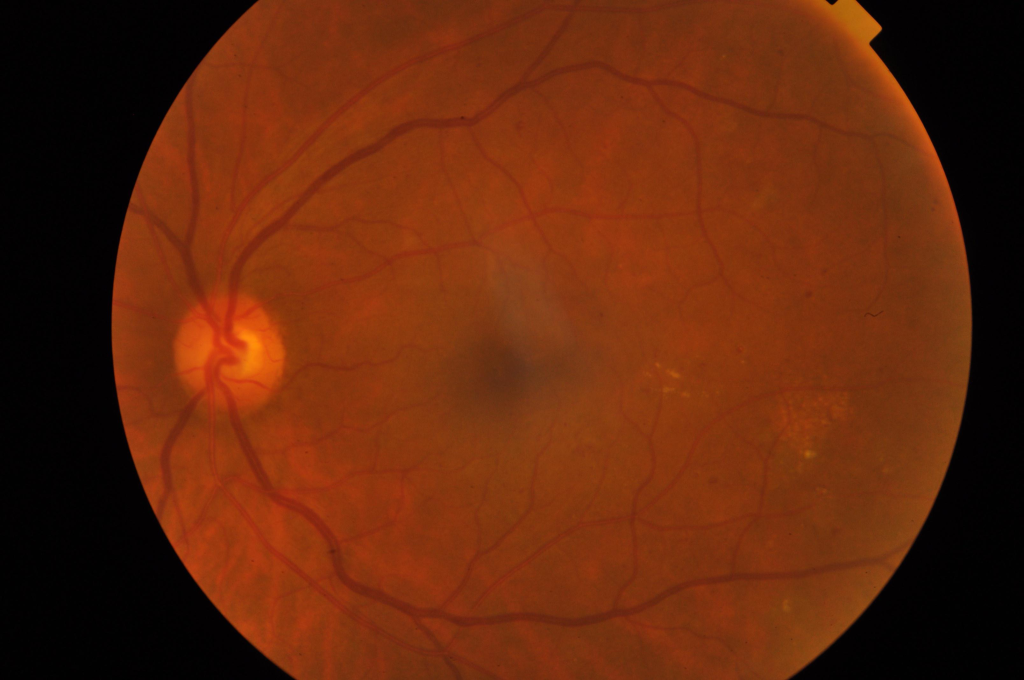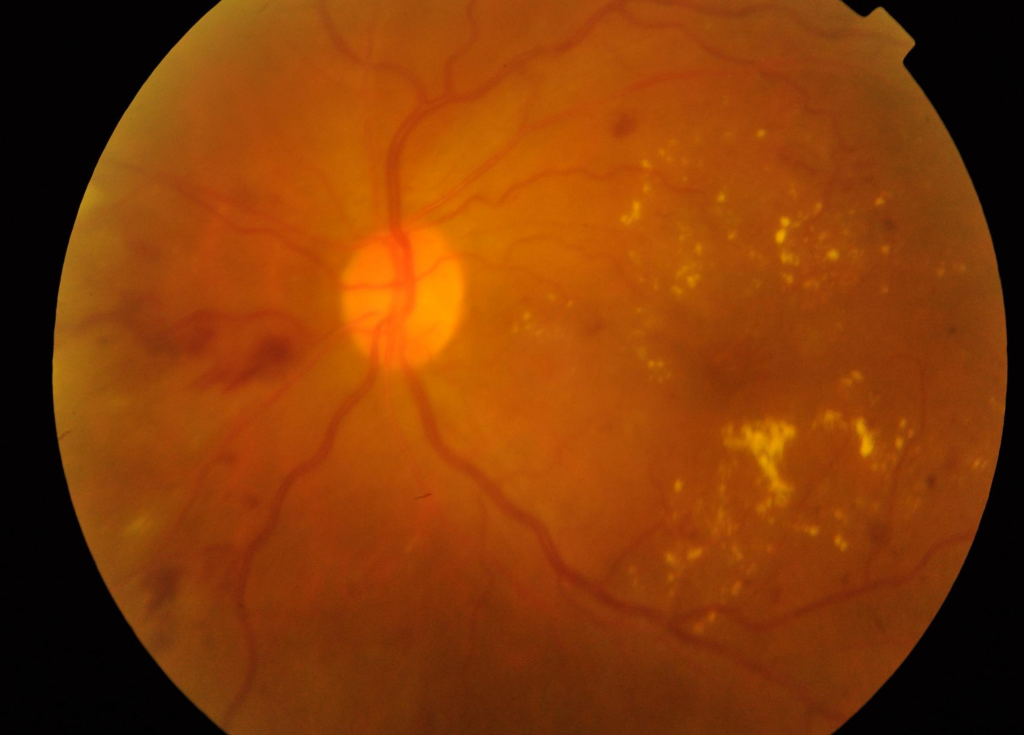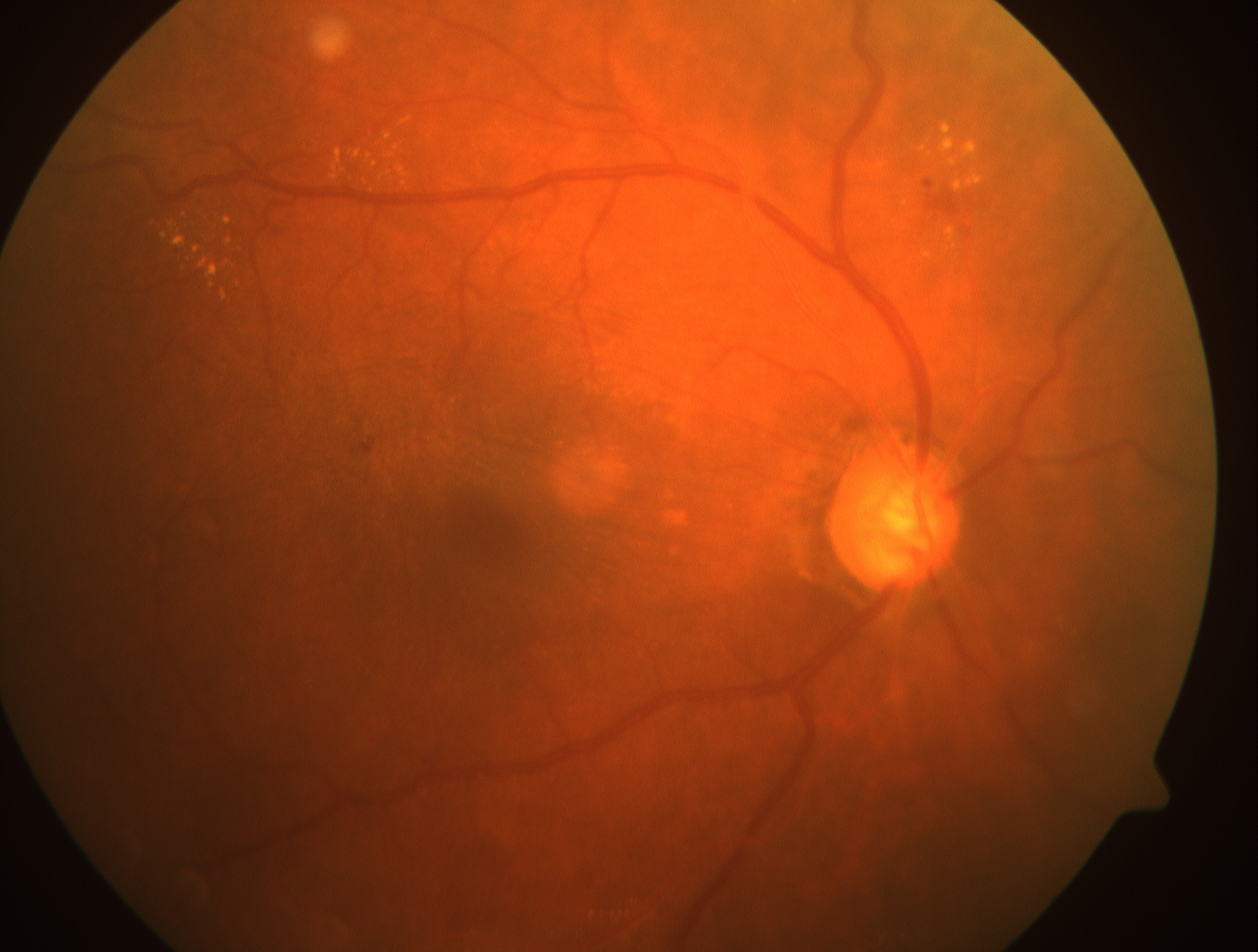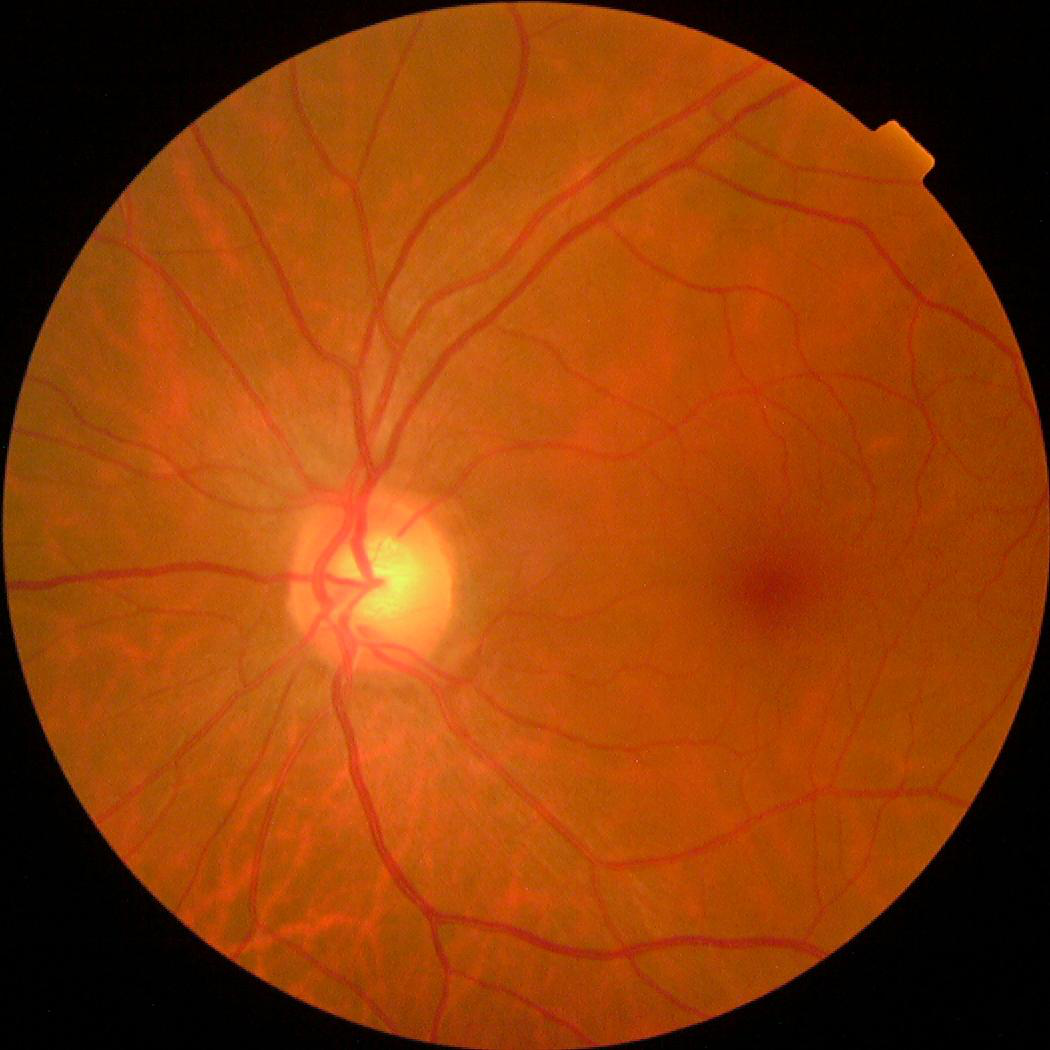
AI severity grading
An ordinal model returns an ICDR grade from 0 to 4 and a refer / don’t-refer decision, with calibrated confidence.
See moreDetect. Understand. Get Care.
Upload a retinal photo and get an AI screening result in seconds — an ICDR grade, the evidence behind it, personalised guidance, and nearby eye-care support.
An ordinal model returns an ICDR grade from 0 to 4 and a refer / don’t-refer decision, with calibrated confidence.
See moreScreen.
Explain.
Refer.
A Grad-CAM heatmap shows where the model looked.
Blurry, dark or off-centre photos are refused — never guessed at — with a specific instruction for retaking them.
See moreResults and guidance, read aloud.
Referable result? Find the closest eye hospital.
Find hospitalsVerified doctors confirm or correct every referable case.
Doctor reportsOne request, one pass, a few seconds. Every stage is timed and the timings come back with the result.
A health worker photographs the retina. The browser shrinks the image before upload — a raw fundus JPEG is 6 MB and rural uplink is slow.
Focus, illumination and field of view are checked first. An ungradeable image is refused with a specific instruction for retaking it, never guessed at.
An ordinal CNN returns an ICDR grade and a referral decision, with a Grad-CAM heatmap showing what drove it.
Classical CV counts lesions by quadrant and applies the ICDR clinical rules independently. Disagreements are surfaced, not hidden.